100+ AI Image Prompt Commands: The Ultimate Cheat Sheet for Better AI Images
Creating high-quality AI images is no longer just about describing what you want to see. The right prompt keywords, camera directions, lighting effects, visual styles, and artistic modifiers can dramatically influence the final result.
Whether you're creating realistic portraits, cinematic scenes, fashion photography, fantasy artwork, social media visuals, or promotional graphics, using precise image-generation commands can give you much greater creative control.
This guide contains 100+ AI image prompt commands and modifiers covering image quality, camera angles, lighting, atmosphere, photography, fashion, environments, artistic styles, and special effects.
Important: These slash commands are best treated as reusable prompt shortcuts or keywords. Whether a particular AI image generator recognizes /command syntax literally depends on the model. If it doesn't, simply use the descriptive phrase instead—for example, use "cinematic lighting" instead of /cinematic.
What Are AI Image Prompt Commands?
AI image prompt commands are short keywords or modifiers used to describe specific visual characteristics you want an image generator to produce.
For example:
/4k → high-resolution, highly detailed appearance
/cinematic → cinematic composition and lighting
/lowangle → camera positioned below the subject
/goldenhour → warm late-afternoon sunlight
/bokeh → soft background blur
/35mmfilm → classic film photography aesthetic
/ultrarealistic → highly photorealistic appearance
You can combine several modifiers to create a much more specific visual direction.
Example
Instead of:
A warrior standing on a mountain.
Try:
A powerful warrior standing on a dramatic mountain cliff, cinematic composition, low-angle camera, golden-hour lighting, atmospheric fog, detailed armor, realistic textures, 8K detail, film grain.
The second prompt gives the image model much more information about how the scene should look, not just what should appear in it.
AI Image Quality & Resolution Commands
These modifiers can help describe the desired level of detail, realism, and visual quality.
| Command | Purpose |
|---|---|
| /4k | High-quality, detailed 4K appearance |
| /8k | Ultra-detailed high-resolution appearance |
| /hdreal | Enhanced HD photorealistic look |
| /ultrarealistic | Extremely realistic visual appearance |
| /cinematic | Cinematic lighting, composition, and mood |
Example
Luxury sports car parked outside a modern mansion, /4k /ultrarealistic /cinematic.
For better results, combine quality terms with specific details such as lens, lighting, environment, materials, and composition rather than relying on resolution keywords alone.
Camera Angles & Perspectives
Camera position has a huge impact on the feeling of an AI-generated image.
A low-angle shot can make a character appear powerful, while a top-down shot can emphasize the surrounding environment.
Camera Commands
| Command | Description |
|---|---|
| /droneview | Aerial drone-style perspective |
| /aerialview | High-altitude view from above |
| /topdown | Direct top-down camera angle |
| /lowangle | Camera positioned below the subject |
| /highangle | Camera looking down toward the subject |
| /sideview | Side-profile perspective |
| /closeup | Tight framing around the subject |
| /extremecloseup | Extremely tight detailed framing |
| /wideangle | Wide field of view |
| /fisheye | Distorted ultra-wide perspective |
| /pov | First-person point-of-view perspective |
| /overtheshoulder | View from behind the subject's shoulder |
| /birdseyeview | Direct overhead perspective |
| /wormseyeview | Extreme upward perspective |
When to Use Them
Use /lowangle when you want a subject to appear strong, dominant, heroic, or monumental.
Use /closeup when facial expression, skin texture, makeup, eyes, or small details are important.
Use /wideangle when the environment is an important part of the composition.
Use /droneview, /aerialview, or /birdseyeview for landscapes, architecture, city scenes, beaches, and large environments.
Example
Futuristic female warrior standing in a neon city street, /lowangle /wideangle /cinematic /dramaticlighting.
Atmosphere & Weather Commands
Weather and atmospheric conditions can completely change the mood of an image.
Weather Modifiers
| Command | Description |
|---|---|
| /fog | Dense atmospheric fog |
| /mist | Soft and subtle mist |
| /rainynight | Rainy nighttime environment |
| /rain | Rainfall and wet surfaces |
| /storm | Dramatic storm conditions |
| /snow | Snowfall and winter atmosphere |
For cinematic environments, try combining weather with reflections and lighting.
Example
A futuristic city street at night, wet pavement reflecting neon signs, /rain /fog /neonlights /cinematic.
This combination can produce a dramatic cyberpunk-inspired environment.
Lighting Commands for AI Images
Lighting is one of the most important elements in image generation.
Changing the lighting can transform the same subject from a bright lifestyle photograph into a dark cinematic portrait.
Lighting Cheat Sheet
| Command | Description |
|---|---|
| /sunset | Warm sunset lighting |
| /sunrise | Soft early-morning light |
| /goldenhour | Warm golden-hour illumination |
| /bluehour | Cool twilight lighting |
| /moonlight | Moonlit scene |
| /neonlights | Vibrant artificial neon lighting |
| /cyberpunk | Futuristic neon aesthetic |
| /darkmoody | Dark and dramatic atmosphere |
| /softlighting | Gentle diffused illumination |
| /dramaticlighting | Strong high-contrast lighting |
| /rimlight | Bright edge lighting around the subject |
| /backlight | Light coming from behind |
| /volumetriclight | Visible beams of light |
| /godrays | Dramatic rays of light |
| /studio | Professional studio lighting |
| /filmgrain | Analog film texture |
| /anamorphic | Widescreen cinematic lens appearance |
| /bokeh | Soft out-of-focus background |
| /shallowdepth | Sharp subject with blurred background |
Golden Hour
Use /goldenhour for:
Outdoor portraits
Fashion photography
Travel images
Romantic scenes
Lifestyle photography
Blue Hour
Use /bluehour when you want:
Cool atmospheric tones
Evening city photography
Moody portraits
Twilight landscapes
Volumetric Light
/volumetriclight and /godrays are particularly useful for scenes containing sunlight passing through:
Forests
Windows
Dusty rooms
Clouds
Fog
Smoke
Example
Elegant fashion portrait in a luxury hotel lobby, /goldenhour /rimlight /shallowdepth /bokeh /editorial.
Photography & Fashion Commands
AI image generators can produce different photography aesthetics depending on the vocabulary used in your prompt.
Photography Modifiers
| Command | Description |
|---|---|
| /motionblur | Dynamic movement blur |
| /longexposure | Long-exposure photography effect |
| /freezeaction | Sharp fast-action photography |
| /vintage | Classic old-style aesthetic |
| /retro | Nostalgic retro look |
| /oldmoney | Elegant timeless luxury aesthetic |
| /luxury | Premium high-end appearance |
| /minimalist | Clean and simple composition |
| /editorial | Professional magazine photography |
| /fashion | High-fashion photography |
| /streetstyle | Modern urban fashion aesthetic |
| /magazinecover | Magazine-cover composition |
| /polaroid | Instant Polaroid aesthetic |
| /disposablecamera | Raw disposable-camera appearance |
| /35mmfilm | Classic 35mm film aesthetic |
| /instantphoto | Instant-camera appearance |
Fashion Prompt Example
Stylish adult fashion model walking through a luxury European street, tailored outfit, sophisticated styling, /fashion /editorial /oldmoney /35mmfilm /shallowdepth.
Environment & Genre Commands
The environment establishes the world surrounding your subject.
Environment Modifiers
| Command | Description |
|---|---|
| /underwater | Underwater environment |
| /space | Outer-space environment |
| /desert | Desert landscape |
| /forest | Natural forest environment |
| /mountains | Dramatic mountain environment |
| /beach | Coastal or beach setting |
| /cityscape | Urban city environment |
| /nightcity | City at night |
| /futuristic | Advanced futuristic setting |
| /postapocalyptic | Ruined dystopian environment |
| /fantasy | Magical fantasy environment |
| /scifi | Science-fiction setting |
| /medieval | Medieval-inspired environment |
| /samurai | Japanese samurai-inspired scene |
| /noir | Dark film-noir aesthetic |
| /detective | Mystery and detective atmosphere |
| /superhero | Epic superhero-inspired environment |
Environment Example
A lone explorer walking through a vast alien desert, futuristic spacecraft in the background, /scifi /desert /cinematic /sunset /wideangle.
Artistic Styles & Mediums
Not every AI image needs to look like a photograph.
You can use artistic modifiers to transform your concept into illustrations, paintings, 3D renders, paper artwork, and surreal compositions.
Art Style Commands
| Command | Description |
|---|---|
| /anime | Japanese anime-inspired style |
| /comicbook | Comic-book illustration |
| /oilpainting | Traditional oil painting |
| /watercolor | Soft watercolor artwork |
| /sketch | Hand-drawn sketch |
| /claystyle | Clay or claymation appearance |
| /3drender | High-quality 3D rendering |
| /isometric | Isometric 3D perspective |
| /miniature | Miniature or diorama effect |
| /tiltshift | Tilt-shift miniature photography |
| /papercraft | Paper-cut or handmade paper artwork |
| /glassart | Transparent glass aesthetic |
| /chrome | Reflective metallic appearance |
| /holographic | Futuristic holographic material |
| /doubleexposure | Two visual compositions blended together |
| /silhouette | Dark subject outline |
| /reflection | Reflective surface composition |
| /mirror | Mirror-based composition |
| /fire | Fire and flame effects |
| /smoke | Atmospheric smoke |
| /glitch | Digital distortion effect |
| /dreamcore | Surreal dreamlike aesthetic |
How to Combine AI Image Commands
The real power comes from combining several modifiers.
A useful formula is:
Subject + Action/Pose + Environment + Camera + Lighting + Style + Quality
For example:
A futuristic female warrior standing on a skyscraper rooftop, looking over a massive neon city, /cyberpunk /lowangle /rainynight /dramaticlighting /rimlight /cinematic /8k.
Here, each modifier controls a different aspect:
Subject: futuristic female warrior
Environment: neon city
Camera: low angle
Weather: rainy night
Lighting: dramatic + rim light
Style: cyberpunk
Quality: 8K
Overall mood: cinematic
This is much more controllable than simply writing:
A cool futuristic warrior.
10 Ready-to-Use AI Image Prompt Examples
1. Cinematic Warrior
A powerful warrior standing on a massive cliff above a misty valley, detailed armor, dramatic clouds, /lowangle /cinematic /dramaticlighting /fog /8k /filmgrain.
2. Cyberpunk City
Stylish adult woman walking through a futuristic city at night, wet streets reflecting colorful signs, futuristic architecture, /cyberpunk /rainynight /neonlights /wideangle /cinematic.
3. Luxury Fashion
Elegant adult fashion model standing inside a sophisticated luxury hotel, tailored designer-inspired outfit, refined pose, /editorial /fashion /oldmoney /studio /shallowdepth /bokeh.
4. Mountain Landscape
Vast snow-covered mountain range beneath dramatic clouds, atmospheric valley, cinematic landscape photography, /aerialview /mountains /dramaticlighting /8k /cinematic.
5. Fantasy Forest
Magical ancient forest filled with glowing plants and floating particles, mysterious pathway leading into the distance, /fantasy /forest /mist /godrays /volumetriclight.
6. Film Portrait
Close-up portrait of an adult woman with natural skin texture and detailed facial features, subtle studio lighting, /closeup /35mmfilm /shallowdepth /bokeh /filmgrain.
7. Futuristic Character
Futuristic explorer standing inside a massive space station overlooking a distant planet, detailed sci-fi suit, /scifi /space /rimlight /cinematic /anamorphic.
8. Samurai Scene
Japanese samurai standing alone in a misty bamboo forest at dawn, traditional armor, atmospheric environment, /samurai /mist /sunrise /lowangle /cinematic.
9. Surreal Artwork
A giant floating house above an endless ocean, clouds surrounding the architecture, dreamlike atmosphere, /dreamcore /surreal /mist /reflection /cinematic.
10. Retro Photography
Candid street photograph of an adult traveler walking through a busy vintage European neighborhood, authentic clothing and natural expression, /35mmfilm /vintage /disposablecamera /filmgrain.
Best Practices for AI Image Prompting
Using more keywords doesn't automatically produce a better image.
The goal is specificity and consistency.
1. Start With the Main Subject
Clearly explain what the image should contain.
Instead of:
Beautiful image.
Try:
An adult woman standing beside a vintage convertible on a coastal road.
2. Describe the Composition
Tell the model how the scene should be framed.
Examples:
Full-body portrait
Close-up portrait
Wide establishing shot
Centered composition
Side profile
Over-the-shoulder shot
Top-down view
3. Control the Camera
Camera terminology can help establish a photographic perspective.
For example:
85mm portrait lens, shallow depth of field, close-up framing.
Or:
Wide-angle landscape photography from an elevated viewpoint.
4. Add Lighting
Lighting can dramatically change the mood.
Try:
Soft natural light
Golden-hour sunlight
Studio lighting
Dramatic side lighting
Rim lighting
Backlighting
Volumetric light
5. Add Environmental Details
Don't just write "city."
Describe it:
Rain-soaked futuristic city street with glowing advertisements, reflective pavement, atmospheric haze and distant skyscrapers.
The additional details give the image generator more visual information.
6. Avoid Contradictory Instructions
Some combinations may work against each other.
For example, asking for:
/darkmoody + bright midday sunlight + soft pastel lighting + pitch-black environment
can create inconsistent visual instructions.
Instead, choose modifiers that support the same visual direction.
A Simple AI Image Prompt Formula
Use this structure when creating your own prompts:
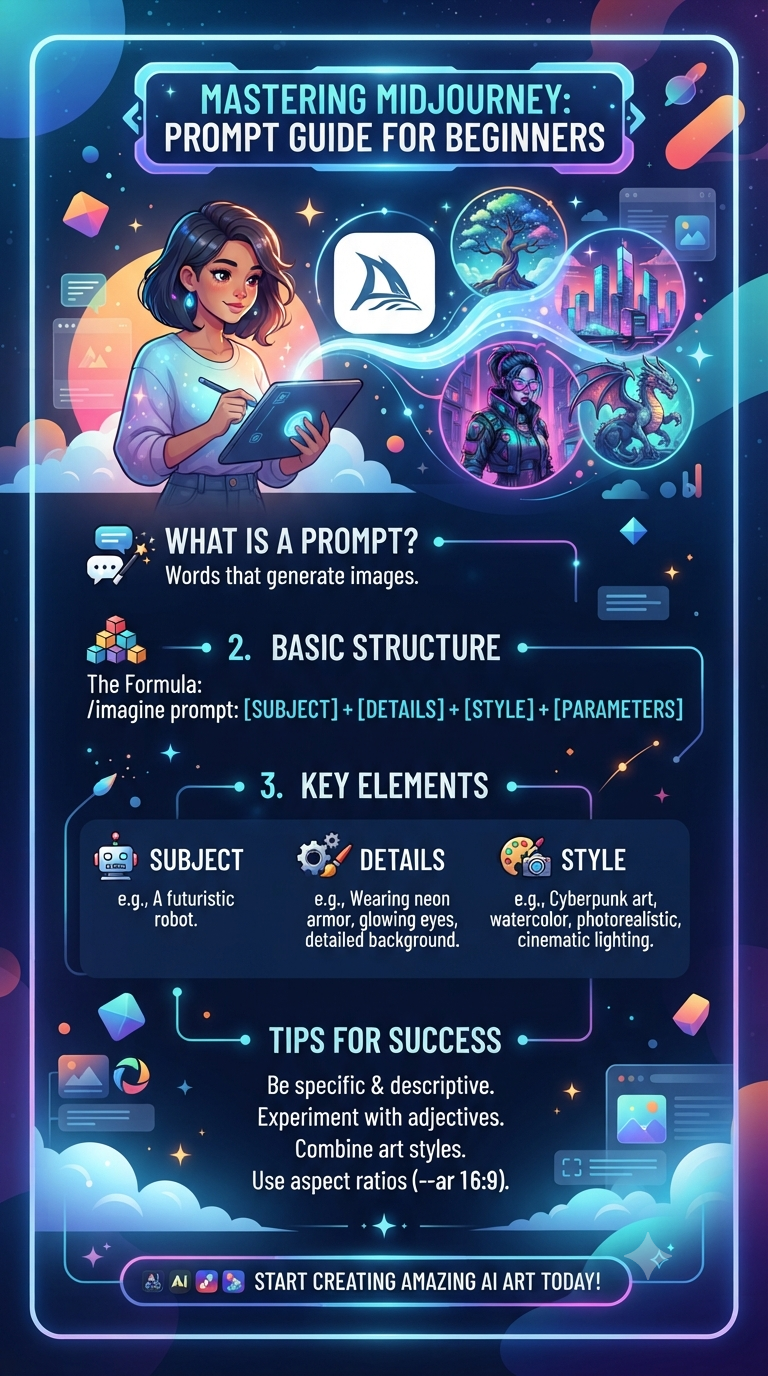
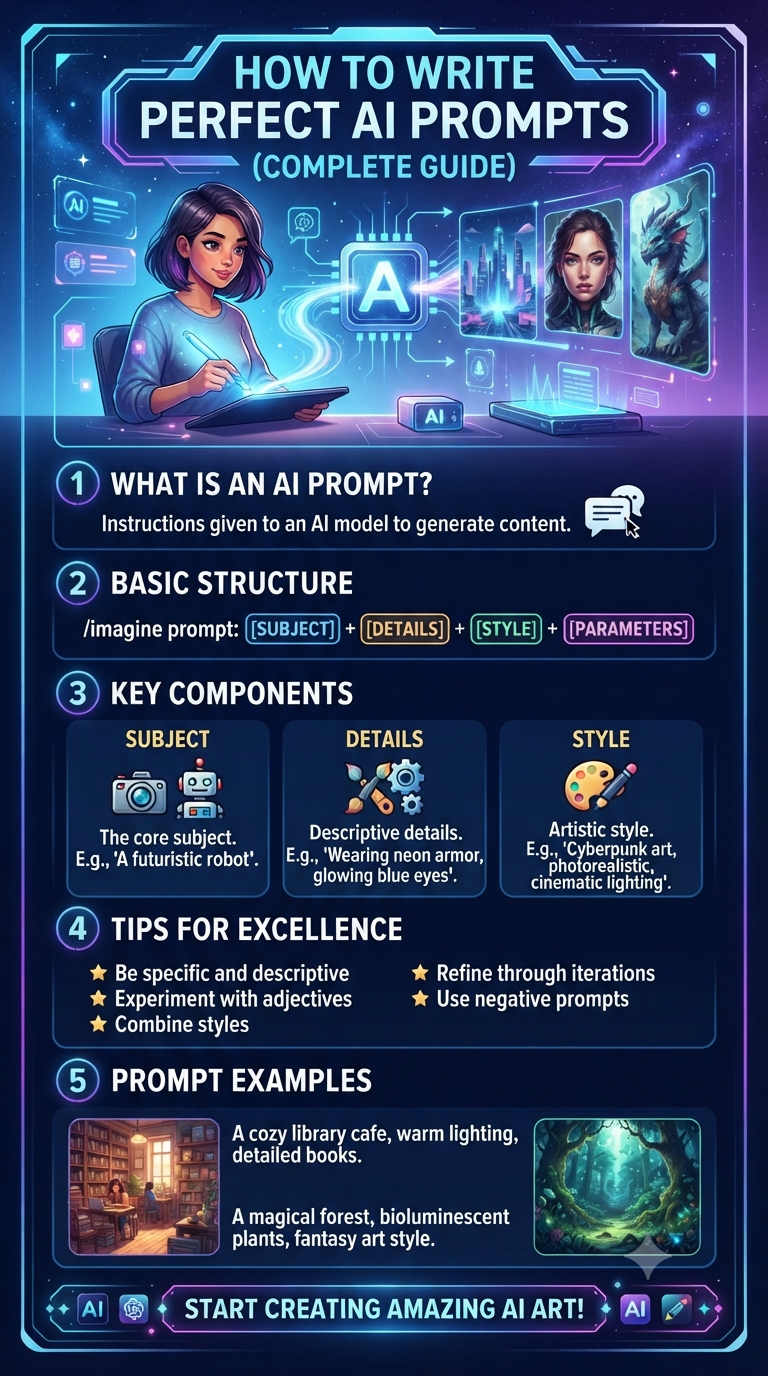
[Subject] + [Appearance/Details] + [Pose/Action] + [Environment] + [Camera] + [Lighting] + [Style] + [Quality]
Example
An adult female traveler with long flowing hair, standing beside a vintage car, looking toward the mountains, dramatic alpine landscape, /wideangle /goldenhour /35mmfilm /cinematic /8k.
You can also add:
Mood + Weather + Color Palette + Composition + Material Details
for even more control.
Final Thoughts
AI image generation is becoming increasingly sophisticated, but the quality of your results still depends heavily on how clearly you communicate your visual idea.
Camera angles help control perspective.
Lighting modifiers influence mood and atmosphere.
Photography keywords establish visual aesthetics.
Environment commands define the world around your subject.
Art-style modifiers determine the medium and artistic direction.
The best approach is to experiment with combinations rather than relying on one magic keyword.
Start with your subject, establish the composition, choose your camera perspective, add lighting and atmosphere, then finish with the desired artistic or photographic style.
With the right combination of these AI image prompt commands, you can turn a simple idea into a much more detailed, cinematic, and visually compelling image.
Save this cheat sheet and experiment with different combinations to discover which prompt structures work best with your favorite AI image generator.
Comments (0)
Leave a Comment